What is a Cricut machine?
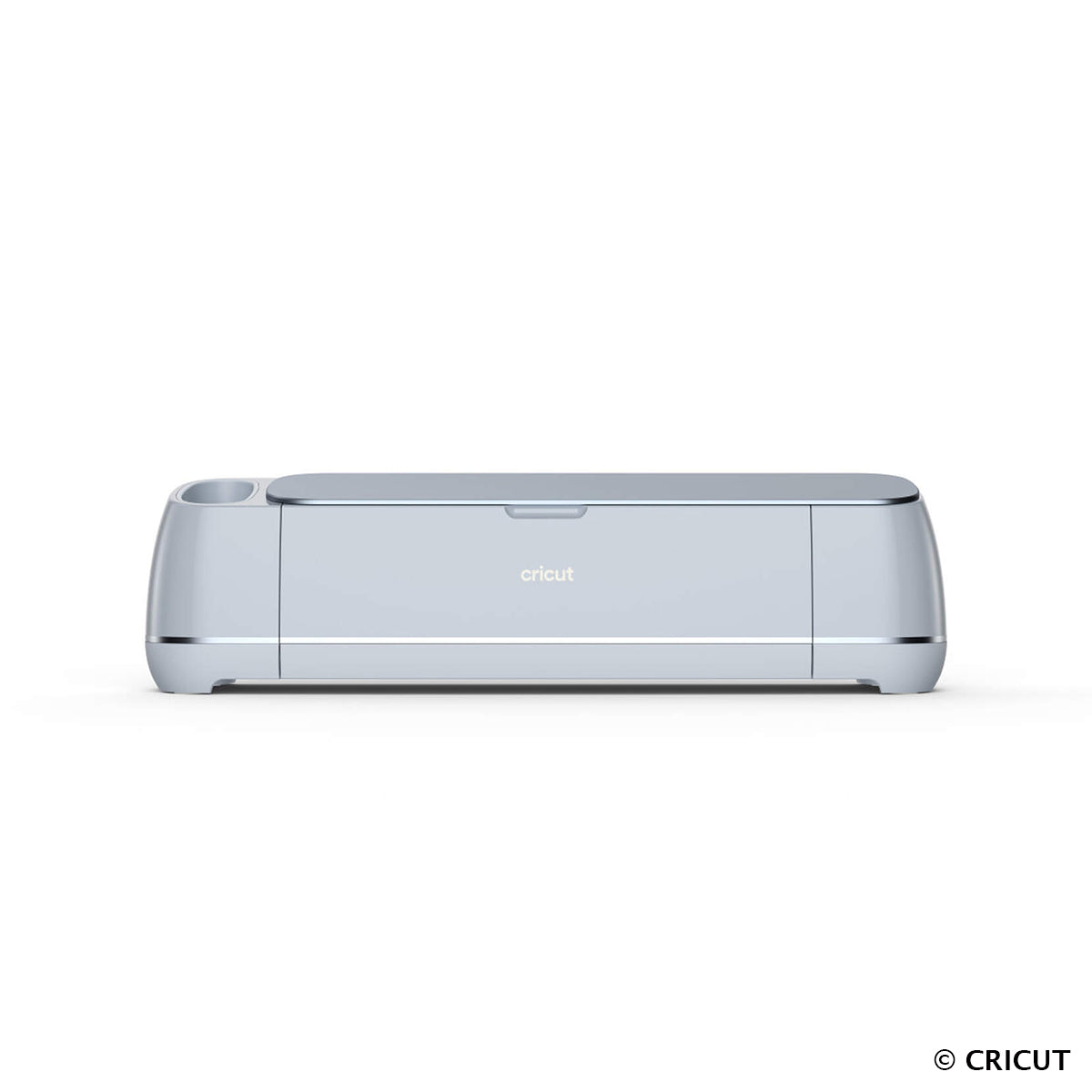
A Cricut cutting machine is an innovative electronic tool, designed to cut a wide range of materials, including leather. It works by connecting to a computer or smartphone, allowing you to download cutting templates or create your own designs. Thanks to its precision and ease of use, the Cricut is ideal for creative projects of all kinds.
It is ideal for projects with intricate cuts. Leather is not always easy to cut, especially for curves or small shapes. The Cricut offers a clean, ultra-precise cut that can guarantee the success of all leather projects.


What type of leather can be cut with the Cricut?
Before starting a project, it is advisable to test on leather scraps to check the result. The Cricut machine can cut leather up to 2.5 mm thick. Cutting on semi-soft, semi-firm, and very firm leathers works very well. It is recommended to test very soft or thin leathers, which may tear during the cutting process.
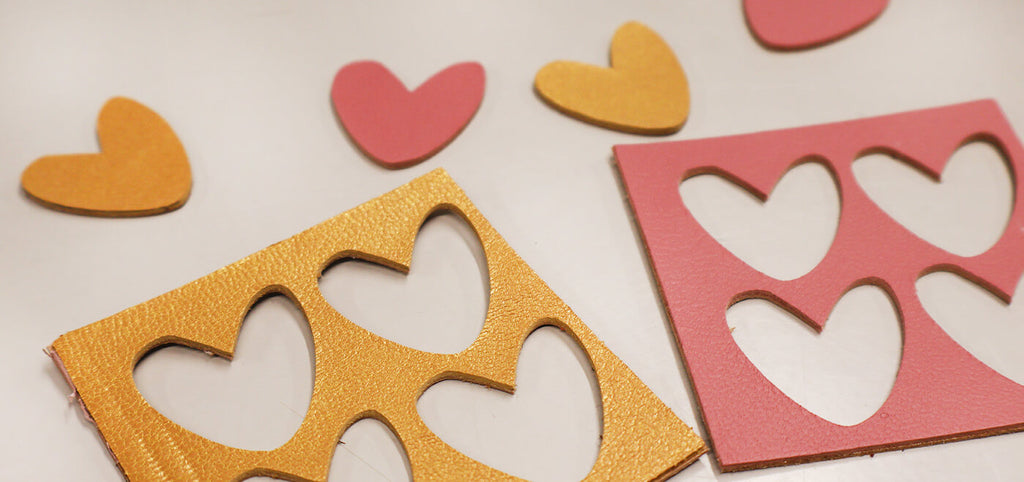
Cutting leather with a Cricut machine:
Step 1: Open the Cricut "Design Space" software
Launch the Cricut Design Space software on a computer or mobile device. Then create a new project.
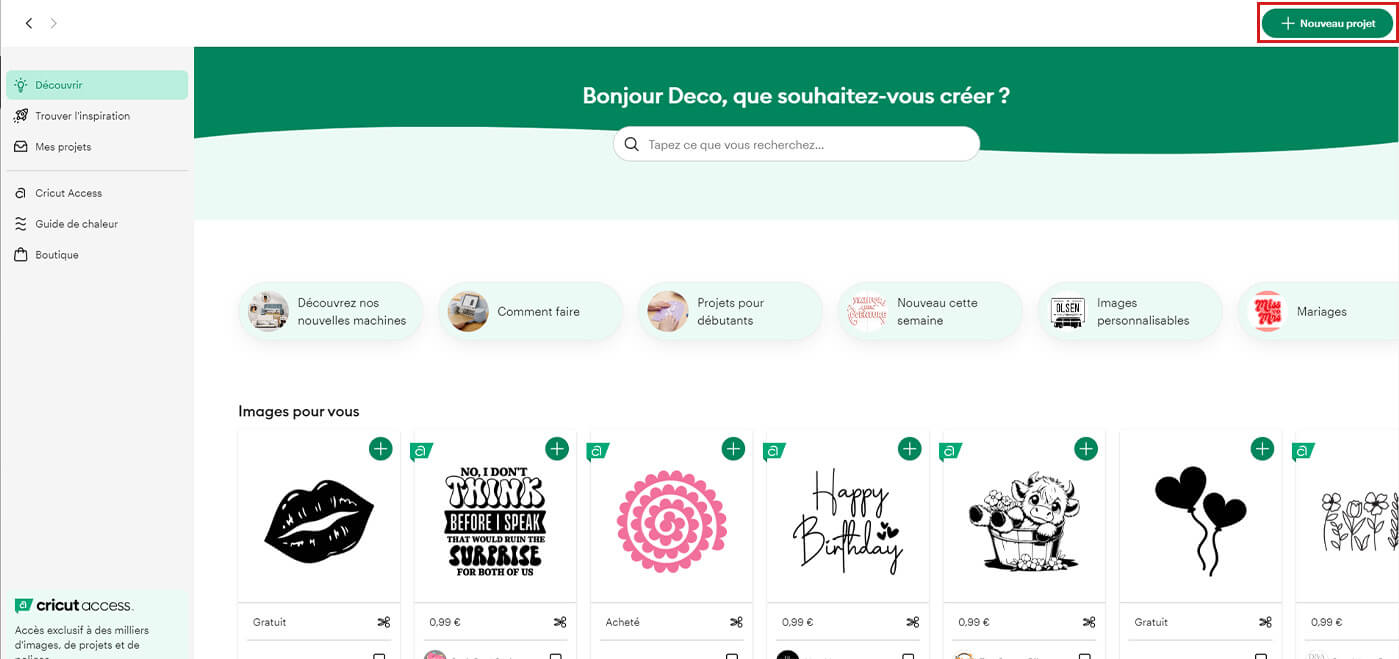
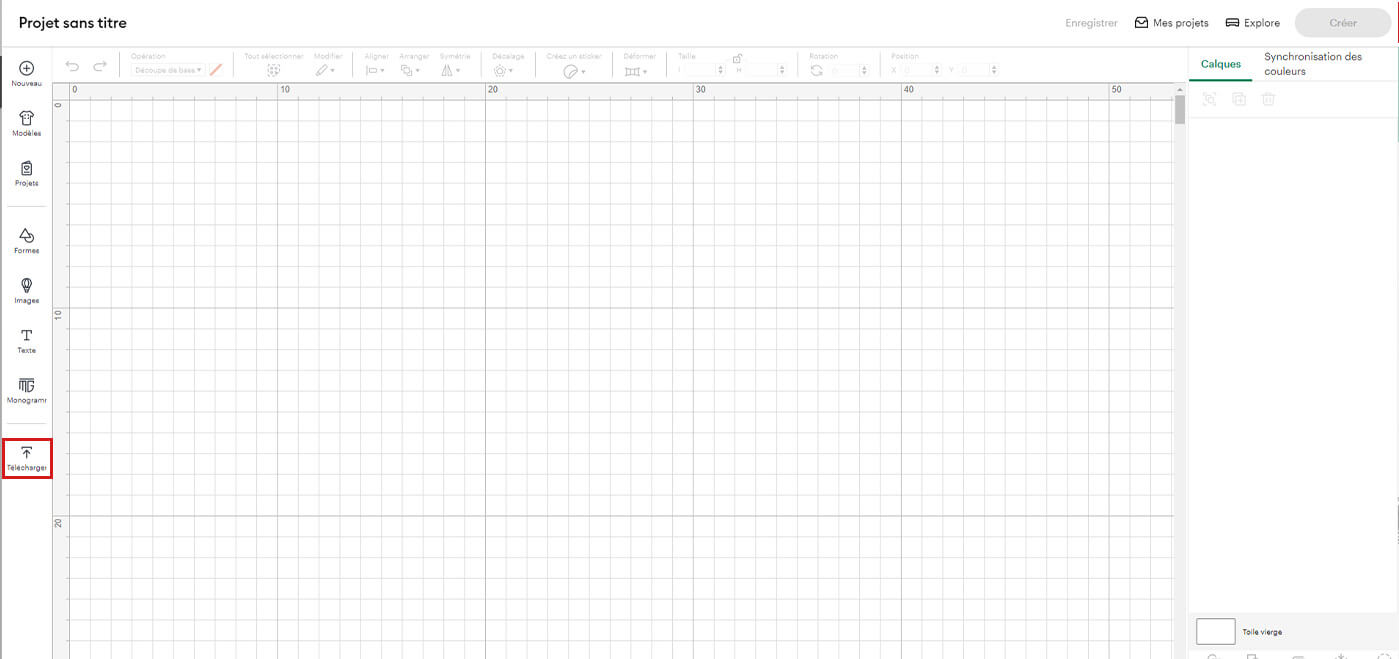
Step 2: Import a cutting design
Download or create a design in the software. Downloaded files must be in .svg format.
It is possible to convert PDF files to SVG using free online converters.

Step 3: Secure the leather on the cutting mat
Use a strong grip cutting mat to firmly hold the leather during cutting. Add strips of painter's tape to ensure the leather's stability during the cutting process.
Two choices:
- Place the grain side of the leather directly on the adhesive part. Be careful, on some leathers, the grain side may be damaged if the mat's adhesion is too strong.
- Place the flesh side of the leather (fuzzy side) on the adhesive part of the mat. Be careful, lint can soil the mat.
Two tips to avoid soiling your mat: apply tokonole to the back of the leather (this will wax it) or clean the mat with hot water and soap (this does not affect adhesion).


Step 4: Define the cutting area on the Cricut Design Space
Depending on the mat size and leather dimensions, place the project(s) to be cut on the Cricut Design Space software.
Step 5: Install the knife blade
The knife blade is specially designed for cutting thick materials like leather, and can cut up to 2.5 mm thick. Install the blade correctly in the machine.
With use, the blade will become less sharp; replacement blades are available on our website. Please note: the blade cannot be sharpened.
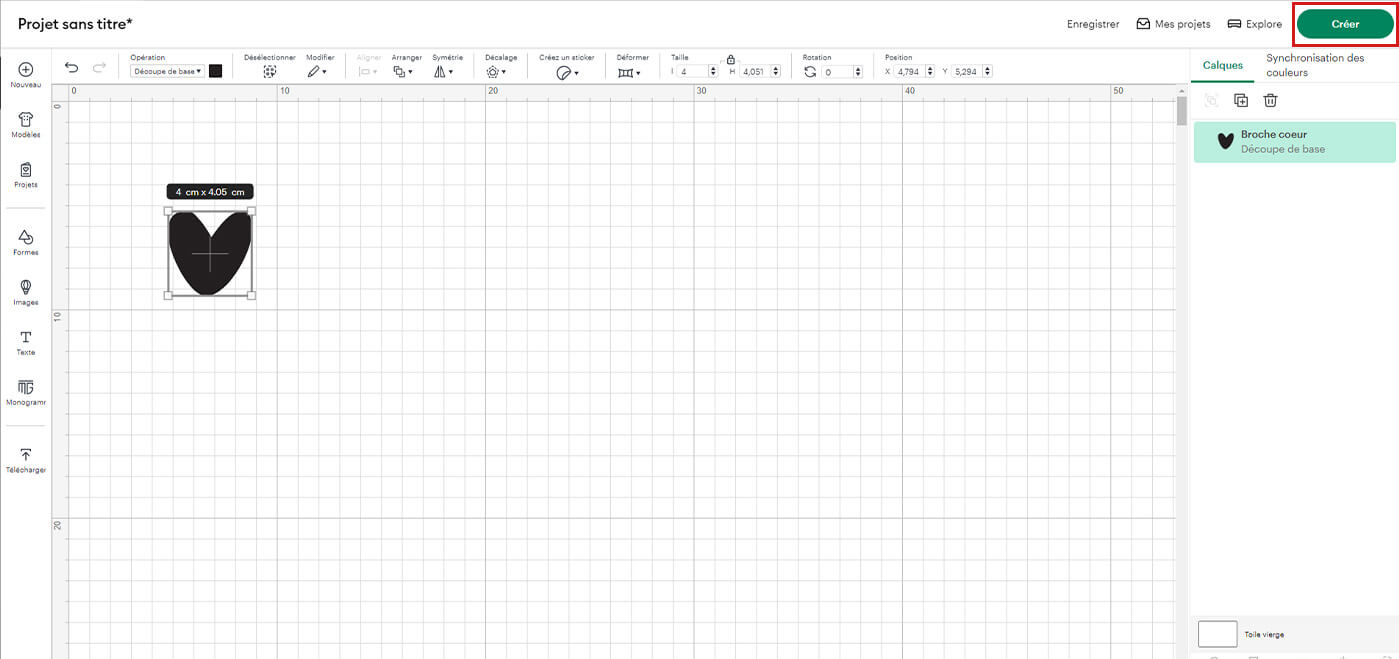
Step 6: Start the cutting process
Adjust the cutting settings according to the thickness and type of leather chosen and start cutting (see video at the top of the article). Keep in mind that the more complex the design, the longer the cut may take.
Step 7: Remove the leather from the mat
Once cutting is complete, carefully remove the leather from the mat.
We also invite you to watch Jane Émilie's video:
Tips for successful cutting:
- Ensure the cutting blade is clean and sharp.
- Always test the cut on a scrap piece before starting the final project.
- Choose simple, well-defined designs for best results.
- Regularly clean the Cricut machine to avoid any malfunction when cutting leather.
With these tips and simple steps, you'll be able to cut leather with a Cricut machine like a professional. Explore your creativity and create unique, personalized projects using this cutting-edge technology.
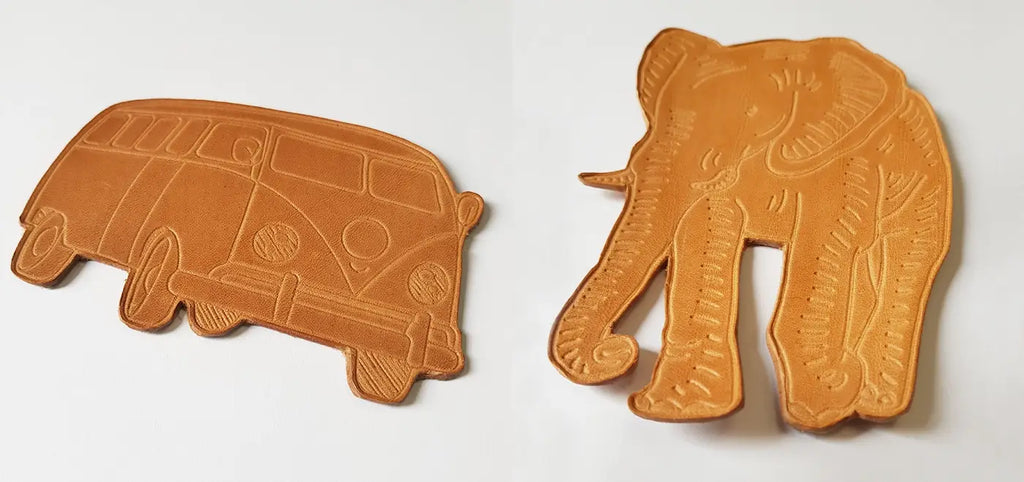
Marking and embossing leather with the Cricut Maker
The Cricut machine not only cuts, but can also emboss and transfer a design onto vegetable-tanned leather.




Watch the video ⬇️🎥
Applying foil to leather
We don't have enough feedback on the use of Cricut foil on leather, particularly regarding its durability. We invite you to check out Jane Emilie's blog post, where she conducted tests:


Some of our SVG patterns for the Cricut Maker:
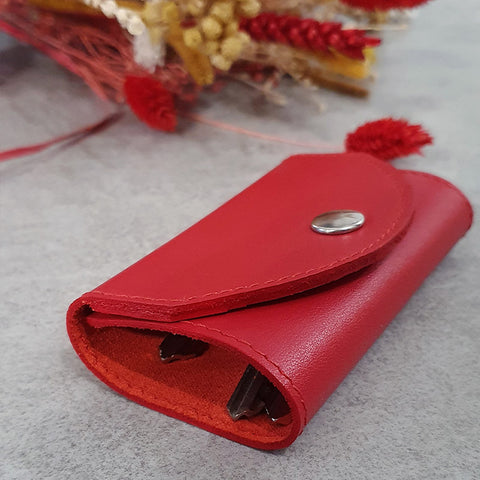
KEY POUCHLooking for a small key in a big handbag is like looking for a needle in a haystack... With this key holder, you won't lose them anymore! |
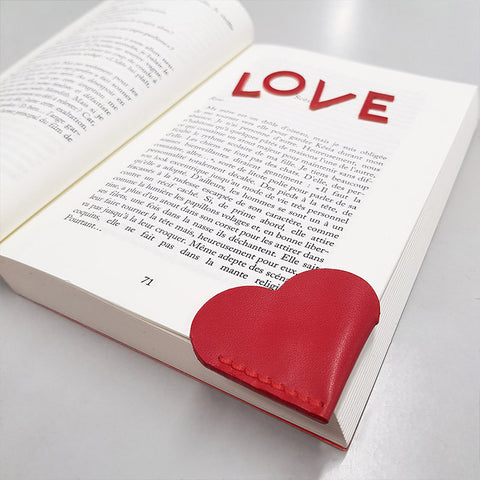
HEART BOOKMARKPrepare a small token of affection for your significant other or a loved one: a heart-shaped leather bookmark. |
 |
 |
| VIEW TUTORIAL > |
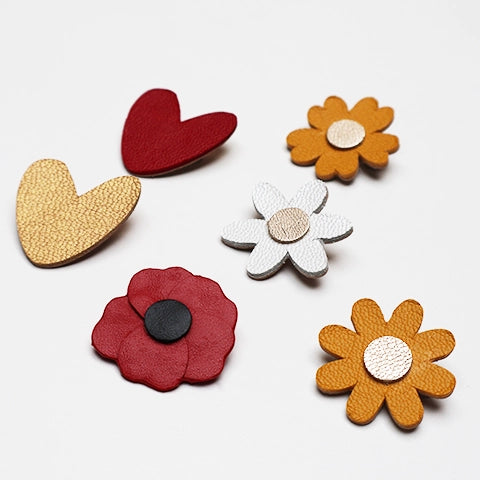
LEATHER BROOCHESMake small floral leather brooches. Perfect for adding a touch of originality to your outfits or bags. |
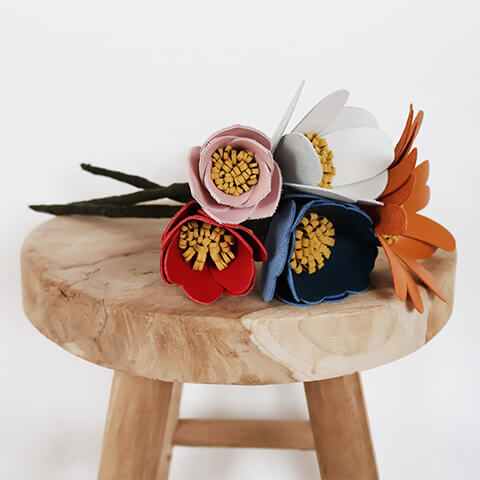
LEATHER FLOWER BOUQUETHow about having flowers that never wilt? Unlike a traditional flower that will quickly fade, a leather flower is made to last.
|
 |
 |
| VIEW TUTORIAL > |
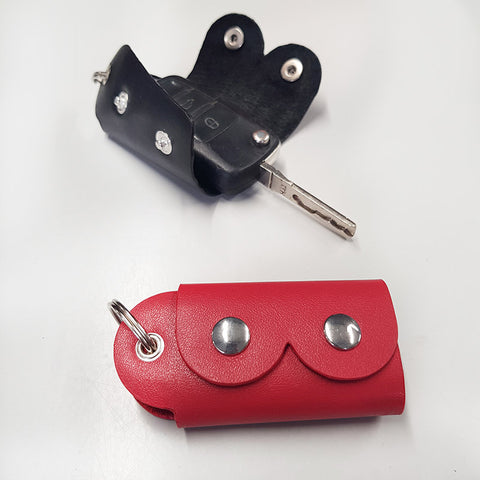
BOOBS KEYCHAINMake this leather keychain, practical for slipping in your house keys or car keys, this trendy accessory will go everywhere with you! |
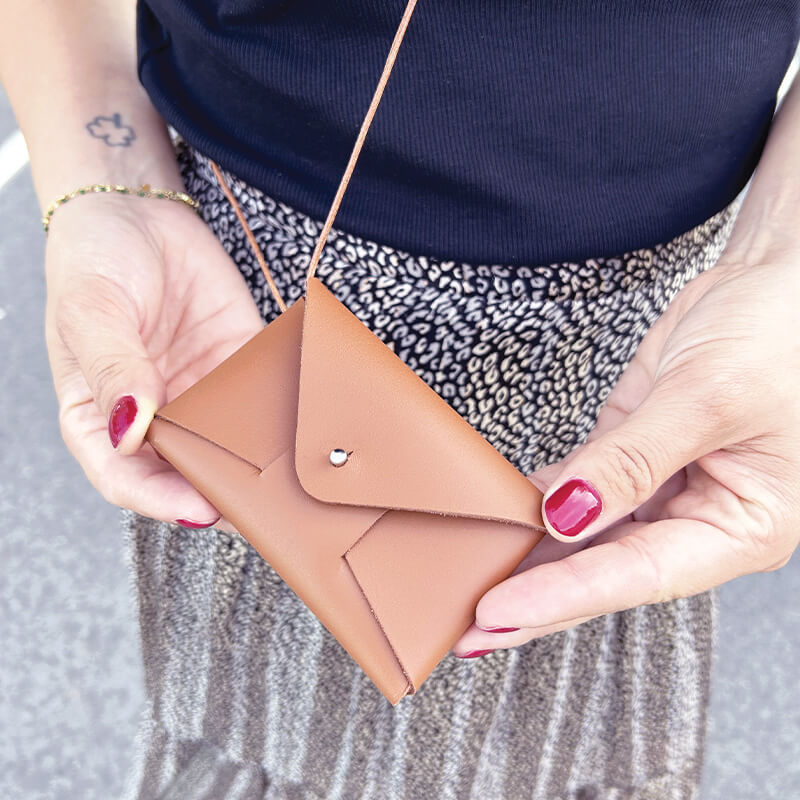
WALLET CARD HOLDERA leather card holder and wallet that is easy to make and customize! It will accompany you daily, versatile and easy to carry! A gift idea that is sure to please: Christmas, Father's Day, birthday... |
 |
 |
| VIEW TUTORIAL > | VIEW TUTORIAL > |
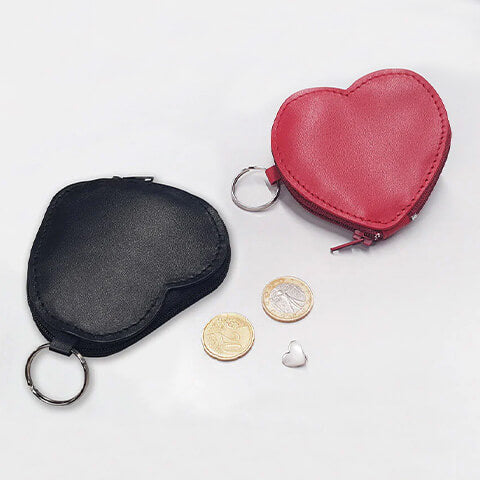
HEART WALLETMake a small heart-shaped leather wallet. Practical for slipping in a few coins, it will follow you everywhere! Offer it to your significant other for Valentine's Day or another occasion ❤ |
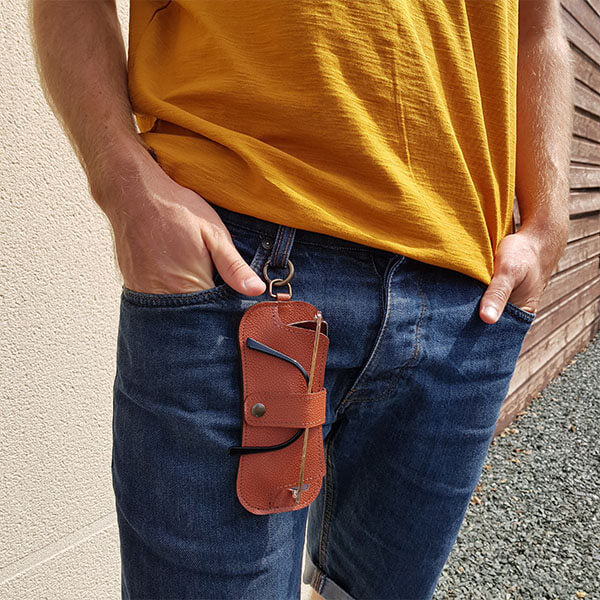
SUNGLASS CASENever know where to put your sunglasses? Tired of them falling off every time you put them on your head? Make a leather case: your glasses will be well protected and always within reach! The essential for summer! |
 |
 |
| VIEW TUTORIAL > | VIEW TUTORIAL > |
To learn more about Cricut:
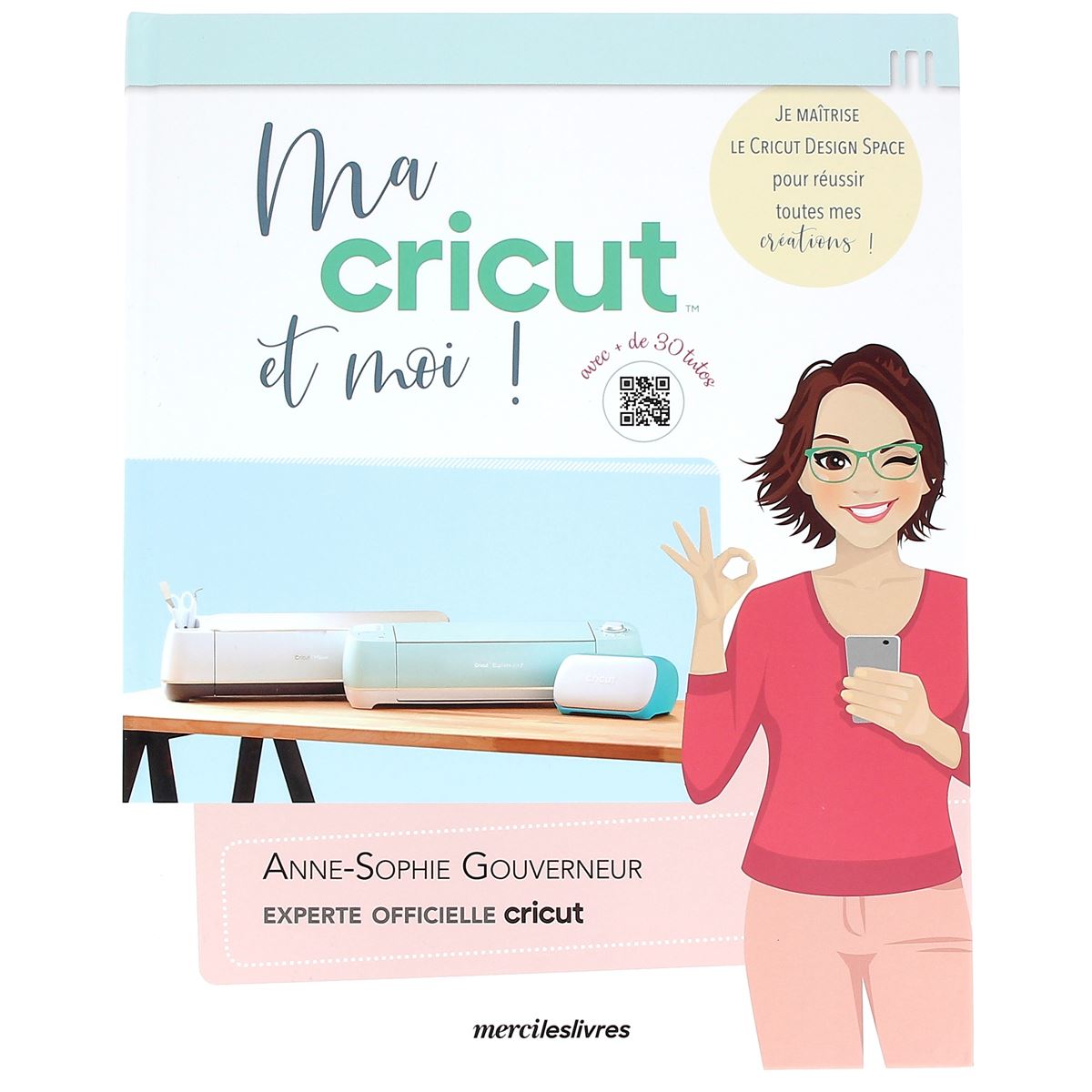
We have a collection of books by Anne-Sophie Gouverneur. She is a Cricut expert, also the creator of the reference blog in this universe: "Je Crée, Je Cut".


Cricut Alternatives
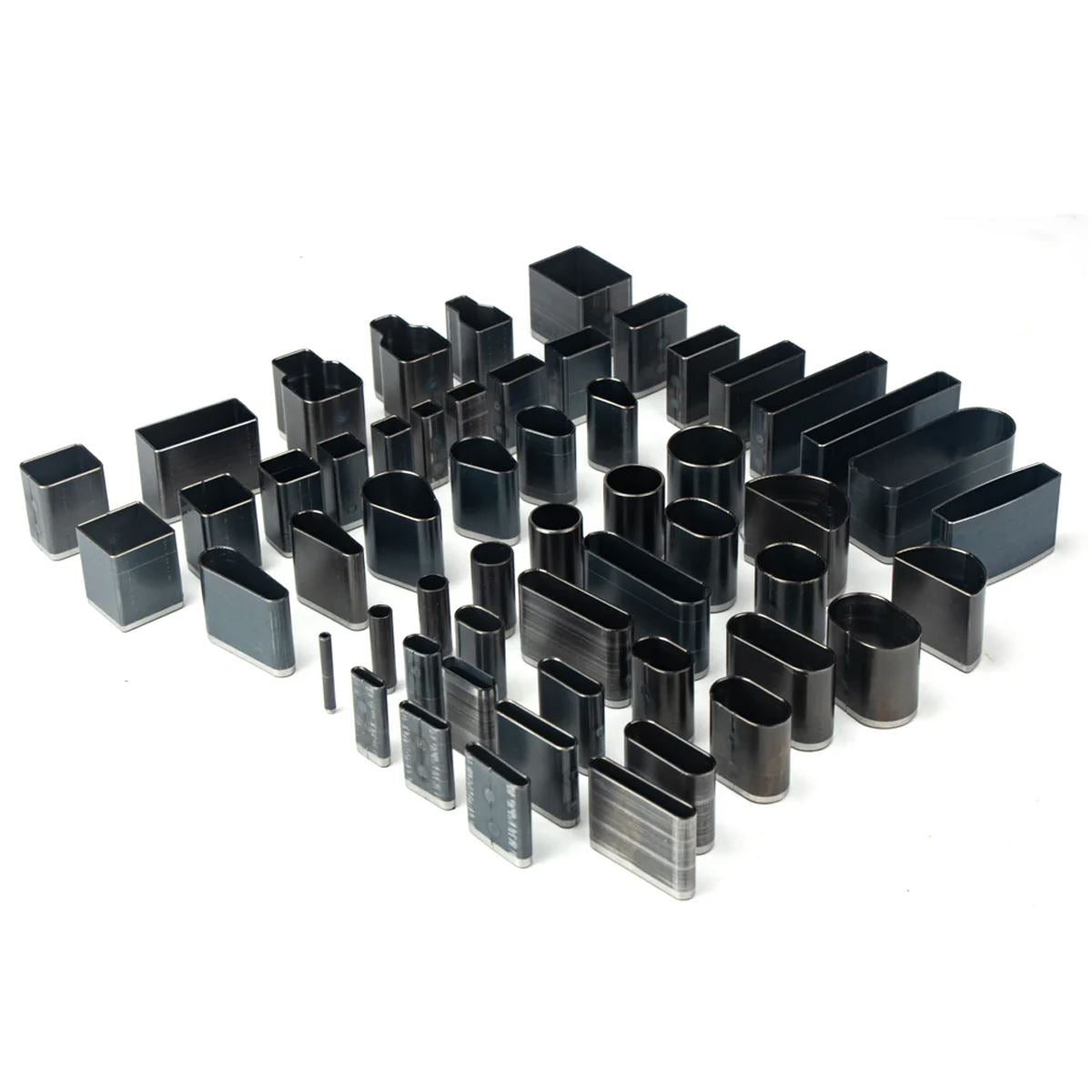
We have a wide selection of punch tools, ideal for cutting different shapes in leather. Cutting presses are also available for faster work.